Insights
Can everyone see your images, and why does alt text matter?
Learn why images without alt text create barriers for people using screen readers and how clear, purposeful descriptions make your site accessible to all.
Images need meaning, not just visuals
A visually appealing website can still fail users if its images aren’t accessible. Many teams forget that people using screen readers experience visuals through written descriptions, not sight.
When alt text is missing or vague, important context disappears — turning key visuals into silent gaps for anyone who relies on assistive technology.
Missing or poor alt text shuts people out
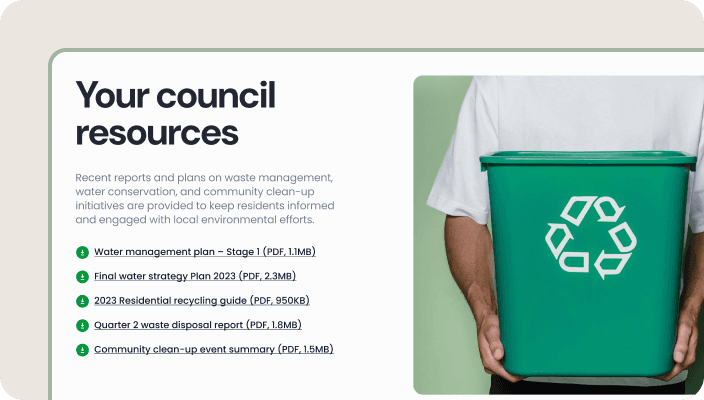
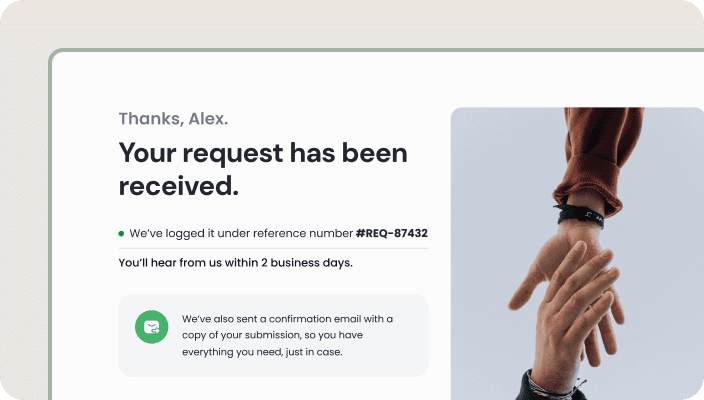
Without alt text, images become invisible to users with visual impairments. A product photo, infographic, or testimonial carries meaning, but none of it reaches someone using a screen reader.
Common issues include:
No alt text at all
Alt text that labels instead of explaining
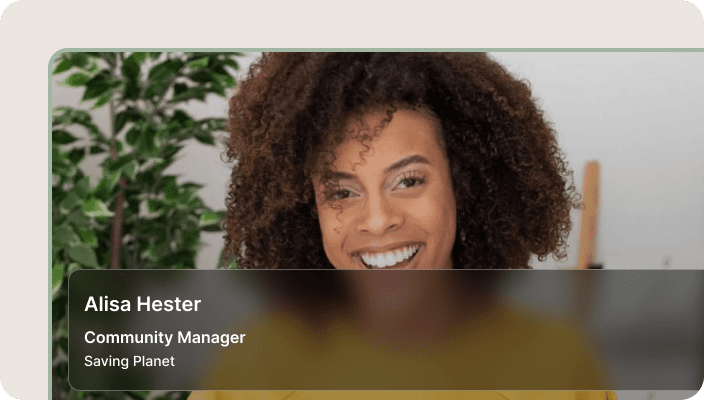
Descriptions like “image of a person smiling” that add no purpose
Decorative images being read aloud unnecessarily
This results in confusion, missing information, and an experience that excludes a whole group of users — often without teams realising it.

Write alt text that explains purpose, not pixels
Good alt text isn’t about describing what the image looks like — it’s about telling the user why it matters.
Clear, meaningful descriptions help users understand the message, improve accessibility, and strengthen trust in your site.
Practical improvements include:
Describing the purpose of the image (“Mobile app showing a simple 2-step signup”)
Avoiding phrases like “image of…” — screen readers already know
Leaving decorative images empty with alt=""
Keeping alt text short, direct, and purposeful
Adding alt text writing to your content and design workflow
When accessibility becomes part of the process, everyone benefits — users have a better experience, pages load cleaner, and search engines understand your content more clearly.

You might find these helpful
A few related articles that build on what you’ve just read.