Guides
How do you make council document lists easier to use?
Clearer link text, consistent file types, and better structure can turn a confusing document list into a simple, accessible resource residents can trust.
Three key methods used in this
guide
Why document lists matter
Residents often rely on council websites to find plans, reports, and community updates. But when key documents are buried behind unclear links or mixed file formats, people struggle to access the information they need. A simple list can quickly become a barrier instead of a helpful resource.
Confusing links and poor accessibility
The original document list caused frustration and unnecessary effort:
Links used generic labels like “Download – FinalPlan.pdf”, offering no context for screen readers or sighted users.
Multiple file types (PDF, Word, Excel) required different software, pushing many users into dead ends.
No file sizes or purpose were listed, leaving people unsure what they were downloading.
The layout felt unfinished and untrustworthy, resulting in drop-offs and higher support calls.
For residents, this meant guessing, downloading blindly, or abandoning the task altogether.

A clearer, more accessible resource
The section was rebuilt to make finding documents simple and intuitive:
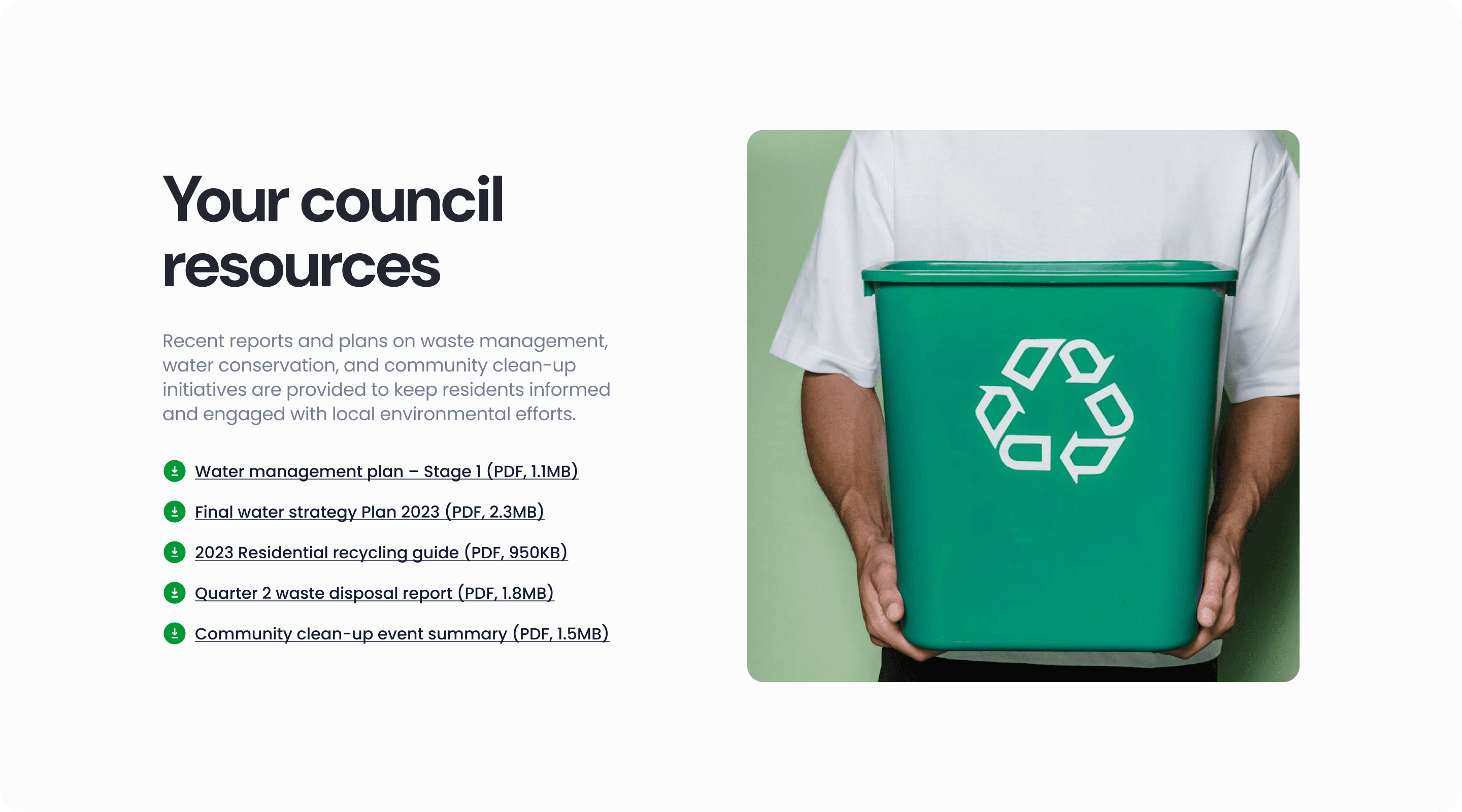
Renamed the section to “Your council resources” to anchor it to the local context.
Added a visual preview to give the area a more welcoming, recognisable feel.
Rewrote every link with descriptive, plain-English labels (e.g., Water management plan – Stage 1).
Included file type and file size to help users decide before clicking.
Standardised all documents to browser-friendly PDFs, removing the need for Word or Excel.
Simplified the explanatory text to make it easy to scan and understand.
These improvements reduced friction, increased trust, and created a clean, consistent experience that works for all residents — including those using assistive technology.
You might find these helpful
A few related articles that build on what you’ve just read.