Guides
-
Do i need a UX audit
Sector:
All
When do you need a UX audit to improve an existing website
A UX audit reviews how people actually experience your website. This guide explains what it looks at, why it matters, and when it’s the right next step.
Three key methods used in this
guide
Discovery
Problem framing
Usability testing
How the experience became harder to use over time
Digital products rarely stand still. They evolve.
Features are added, content expands, and processes change to meet new requirements. Over time, the original structure of the experience becomes harder to maintain. What once felt simple becomes layered, and what once felt intuitive starts to require explanation.
This gradual change is often invisible internally. Teams know the system well. They understand the terminology. They know where things live. For users, however, every visit feels like starting fresh.
A UX audit exists to bridge that gap between internal familiarity and external reality.
Where confusion, drop-offs, and friction appear
When a service starts to struggle, the symptoms are usually familiar.
People hesitate before taking action. Important options are overlooked. Tasks take longer than expected. Instructions are skimmed or misunderstood. Users abandon forms or call for help instead.
Teams often respond by making incremental changes. A page is rewritten. A new help message has been added. A screen is visually refreshed. While these actions may improve individual moments, they rarely address the underlying causes.
The real issue is not a lack of effort. It is a lack of shared understanding about how the experience is actually perceived.
Using a UX audit to identify what to fix first
A UX audit provides that shared understanding.
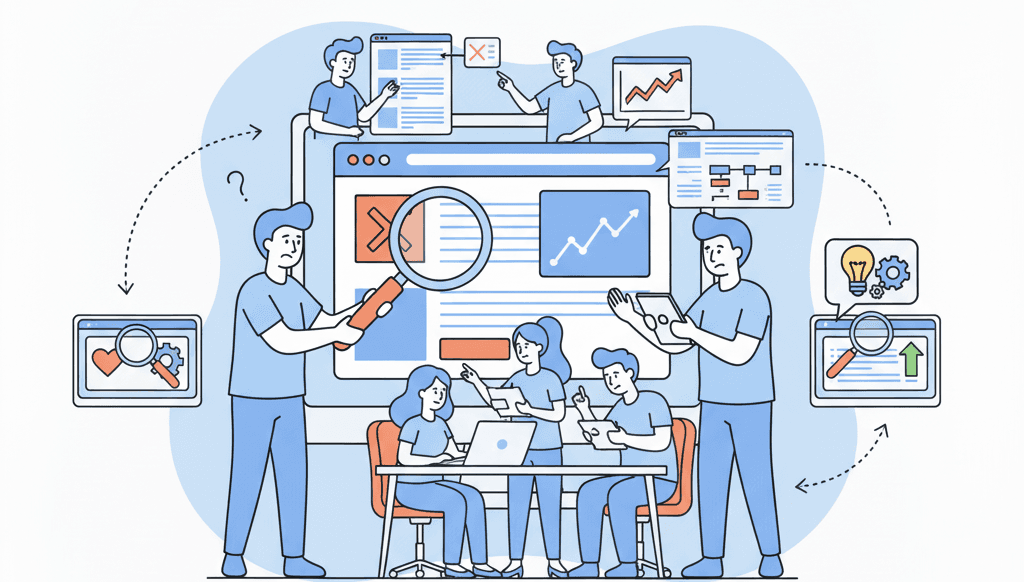
At its core, a UX audit is a structured evaluation of an existing digital experience. It looks at how people move through the product, how they interpret what they see, and how well the experience supports real-world tasks.
Rather than relying on opinion, the audit examines the experience through multiple lenses. This typically includes usability principles, accessibility considerations, content clarity, and interaction behaviour. The aim is to identify friction points that slow people down, confuse them, or cause them to abandon tasks.
Importantly, a UX audit does not try to redesign the product. It focuses on diagnosing problems and explaining why they occur.
What a UX audit looks at
A well-run audit evaluates the experience from end to end.
It considers whether users can clearly understand what the product does, what actions are available to them, and what will happen next. It examines whether information is structured to support scanning and decision-making, rather than forcing people to read closely.
It also reviews interaction patterns and visual hierarchy, checking whether key actions stand out, feedback is clear, and states are communicated consistently. Accessibility is a critical part of this process, ensuring the experience can be used by people with different needs, devices, and abilities.
Each of these areas is assessed not in isolation, but in terms of how they combine to shape the overall experience.
From findings to priorities
One of the most valuable aspects of a UX audit is how it frames findings.
Instead of producing a long list of disconnected issues, insights are grouped into themes that explain behaviour. These themes show how multiple small problems combine into larger points of friction.
Issues are then prioritised based on impact. This includes how often the problem occurs, how severely it affects task completion, and the level of risk it poses to accessibility, trust, or compliance.
This prioritisation helps teams move from “we know there are problems” to “we know what to fix first.”
Business impact of design audits
While a UX audit focuses on user experience, the outcomes are practical.
Clearer experiences reduce support requests, shorten task completion time, and lower the likelihood of errors. Internally, audits help teams align around evidence rather than preference, making decisions faster and more defensible.
For organisations operating in regulated or public-facing environments, audits also provide early visibility of accessibility and usability risks before they escalate into formal issues.
How this fits into broader UX work
A UX audit is rarely the final step. It is often the point where teams gain enough clarity to decide what comes next.
In some cases, findings lead directly to targeted design or content improvements. In other cases, they highlight the need for deeper discovery before committing to change. This is where audits align closely with early-stage exploration, as outlined in "What is product discovery and why does it matter before design?"
By grounding future work in evidence, teams avoid redesigning based on assumptions.
When a UX audit is the right next step
A UX audit is most effective when a service is already live, used regularly, and showing signs of strain. This includes situations where user frustration is visible, accessibility concerns are emerging, or planned changes lack a clear direction.
It is not intended for brand-new products with no users. In those cases, discovery and early testing are more appropriate starting points.
Next step
If your website or digital service feels harder to use than it should, the next step is not to redesign it straight away.
A UX audit helps clarify what is actually getting in the way before changes are made. From there, teams often move into more focused work, such as simplifying forms, improving content clarity, restructuring navigation, or validating changes through testing.
If you are considering how this kind of review fits into broader improvement work, you can explore the UX services available to understand which type of support makes sense at different stages, from diagnosis through to targeted fixes and longer-term improvement.
You might find these helpful
A few related articles that build on what you’ve just read.