Design
-
Why is it so hard to find council info?
Sector:
Local Government
Improving the website user experience for local council residents
A modern website user experience turns complex council services into simple digital tasks through strategic UI design, soft pastel palettes, and intuitive flows.
Three key methods used in this
idea
Problem framing
UI Design
content design
Shifting from bureaucracy to belonging
Traditional council interfaces are often built to mirror internal department structures rather than the mental models of the residents they serve. When a user lands on a municipal homepage, they aren't looking for the "Directorate of Infrastructure"; they are looking to report a broken swing at the park or to check whether their bins go out tonight.
The challenge lies in taking a massive, text-heavy government repository and refining it into a digital service hub. We transitioned from a "Council-directed" design, which prioritises legal jargon and rigid layouts, to a "User-focused" design. This shift is most visible in the aesthetic and structural choices: moving away from aggressive, authoritative colours toward a calming, accessible palette of pastels and soft neutrals that reduce cognitive load and "form anxiety."
The friction of "Invisible" information
Problem: Why residents pick up the phone
When digital information is buried, the cost isn't just user frustration; it is a measurable increase in expensive call-centre volume. During my investigation, we identified core friction points that stop residents in their tracks:
Visual Overload: High-contrast, "loud" primary colours and dense blocks of text create a stressful environment for users trying to complete simple tasks.
The Search Trap: Users often struggle with internal language. If someone searches for "pet rules" but the council calls it "Animal Management," the user hits a dead end.
Mobile Fragmentation: Many civic sites fail on small screens, where buttons are too close together, or maps aren't interactive, forcing users to give up.
People experience a sense of being "lost in the digital hallways." They describe the feeling as being overwhelmed by too many choices, with every link looking the same and nothing feeling like a priority. This lack of hierarchy makes it impossible to distinguish between a major community festival and a minor planning amendment.
Designing for digital confidence
Solution: A human-centric interface
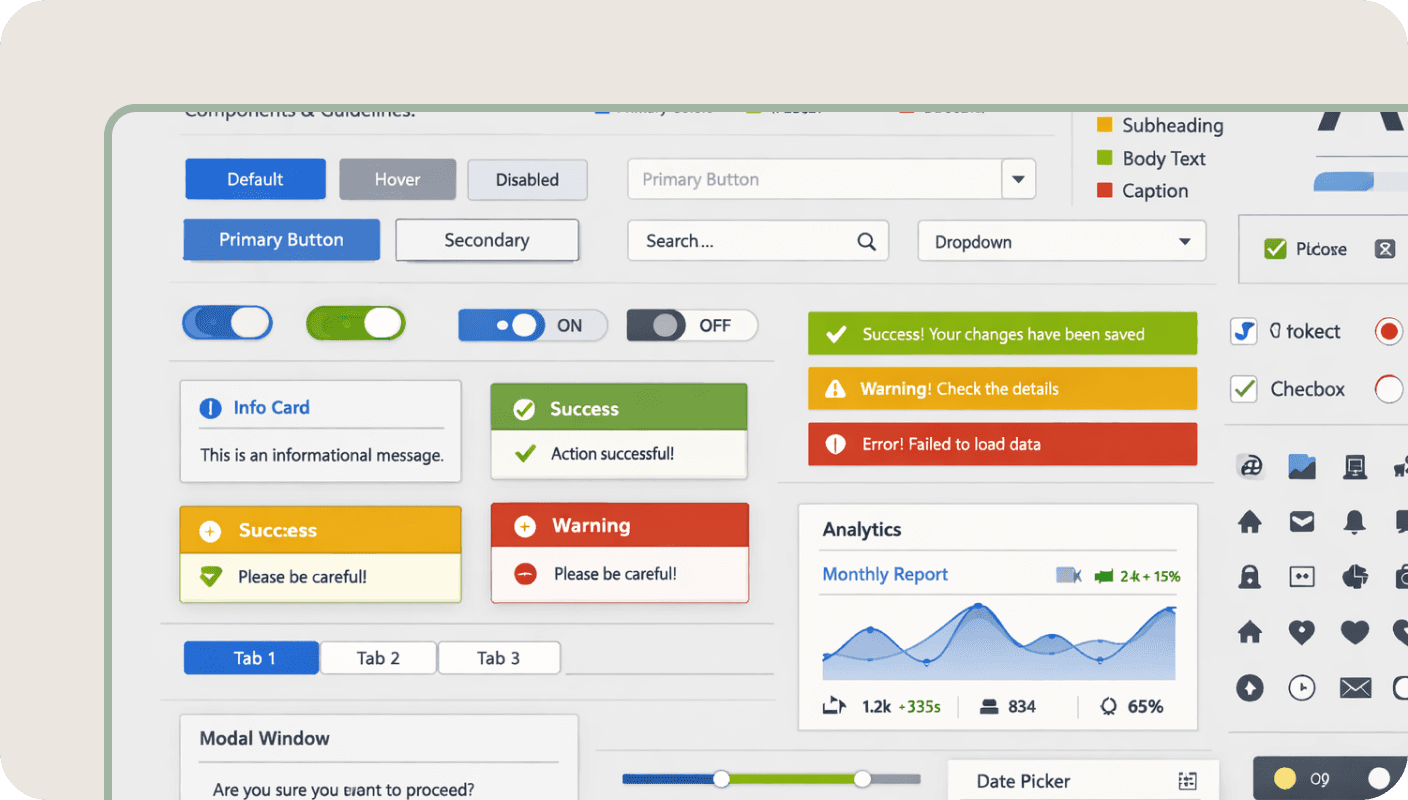
Our solution is centred on the "Service Pass" UI, small, high-contrast grid boxes that serve as fast-pass lanes to the most-requested tasks. By implementing a design system based on soft pastels (pale greens, muted oranges, and soft creams), we created a welcoming "digital lounge" rather than a "digital waiting room."
Key Design Decisions:
Sectional colour blocking: We used large, muted colour blocks to separate content types such as "Sustainability" in green and "Financial Support" in a warm terracotta. This helps users mentally "partition" the page as they scroll, making it easier to skip irrelevant content and find specific service categories.
Contextual imagery integration: Rather than using generic stock photos, we placed high-quality lifestyle imagery alongside service cards. This visual storytelling bridges the gap between a "digital task" and a "real-world benefit," feels more personal and less administrative.
Data-driven social proof: By placing the "95% Satisfaction" metric near the bottom, we provide a final "trust signal" before the footer. This validates the user's journey, confirming that the council is not just a regulator but also a highly rated service provider that other residents trust.
This approach ensures that, whether a resident is seeking waste schedules or planning permits, they feel guided rather than ignored. We’ve turned a confusing list into a structured journey.
If you are looking to audit your own navigation, how do you make council document lists easier to use?

You might find these helpful
A few related articles that build on what you’ve just read.